Why Listed Contractors Display the Badge
When a family is deciding between two contractors, they look for signals of credibility. A SafeHome Registry badge on your website tells them you're part of an independent directory of aging-in-place specialists — not just a general contractor who occasionally installs grab bars.
It takes two minutes to add. It works silently on every page of your website, on every quote you send, on every email signature where you include your URL.
Signals Specialization
Families hiring for aging-in-place work want a specialist, not a generalist. The badge communicates that at a glance.
Links to Your Profile
The badge links directly to your SafeHome Registry listing — giving families one more path to find your reviews, services, and contact information.
Supports Grant Work
Families using VA HISA, Medicaid waivers, or USDA grants often check whether their contractor is in a known directory. The badge answers that question before they ask it.
Works Everywhere
Website footer, email signature, quote documents, Facebook page. One badge, multiple touchpoints.
Choose Your Badge
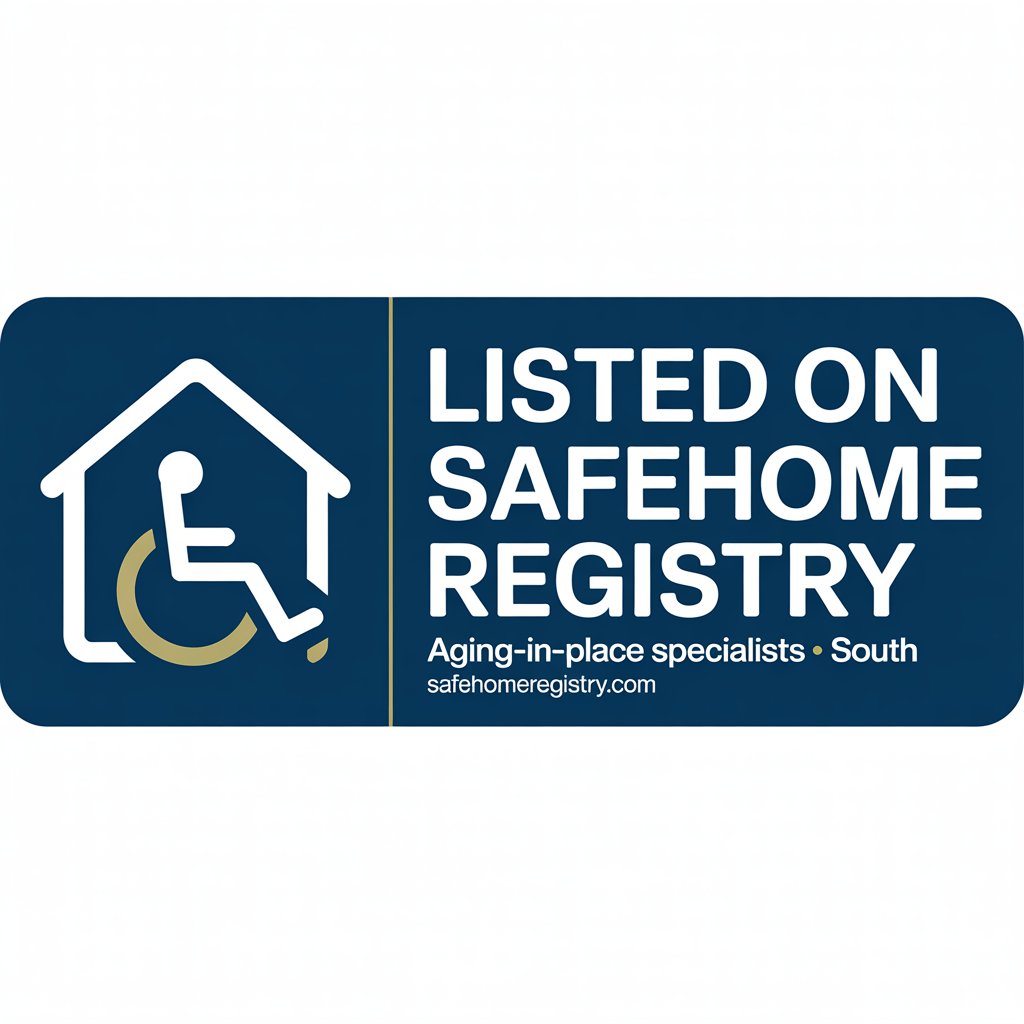
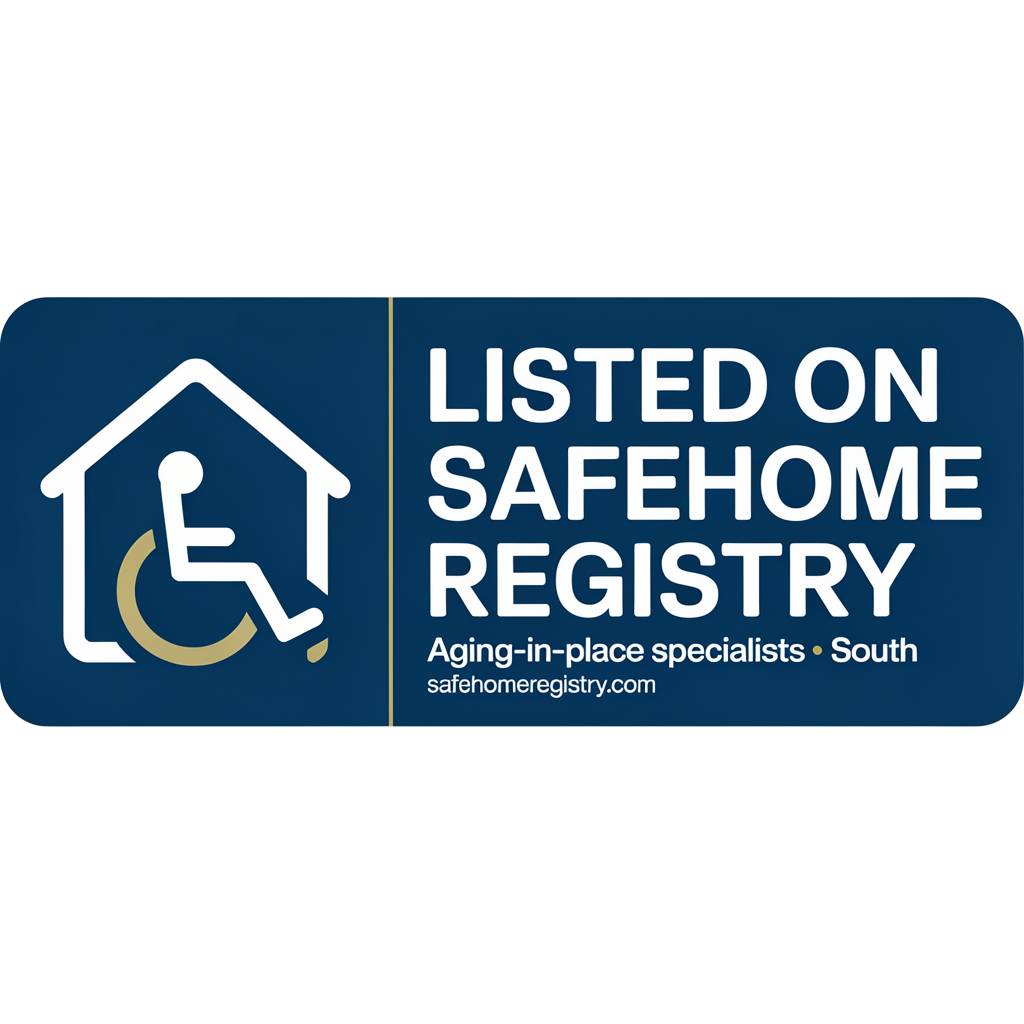
Two versions — use whichever fits your website's background color.
Copy Your Badge Code
Paste this HTML anywhere on your website — footer, sidebar, about page, or contact page.
<a href="https://safehomeregistry.com" target="_blank" rel="noopener">
  <img
    src="https://safehomeregistry.com/assets/listed-badge.png"
    alt="Listed on SafeHome Registry – Aging-in-Place Specialists South"
    width="280"
    height="105"
    loading="lazy">
</a>
Note: This badge indicates a business is listed in the SafeHomeRegistry directory. It does not constitute verification, endorsement, or warranty of workmanship, licensing, or quality.
How to Add It to Your Website
-
Copy the code above
Click "Copy" on the badge code that matches your website's background — standard for light sites, dark background for navy or dark-colored sites.
-
Open your website editor
In WordPress, go to Appearance → Widgets → Footer and add a Custom HTML widget. In Wix or Squarespace, add an HTML embed block. In a custom site, paste into your footer HTML file.
-
Paste and save
Paste the code and save. The badge will appear immediately. It automatically links to SafeHome Registry so families can verify your listing and find your profile.
-
Optional: add to your email signature
In Gmail or Outlook, you can add the badge image as a linked image in your email signature. Families receiving quotes from you will see the badge alongside your contact info.
Want a Premium Badge + Direct Phone Leads?
Upgrade to a Premium listing to unlock a gold Premium badge, a direct "Call Now" button on your profile, and priority placement in city search results. Families ready to hire call Premium listings first.
Questions
Is the badge free to display?
Yes, completely free for any contractor listed in SafeHome Registry. There's no login, no approval process, and no cost. Copy the code and paste it on your website.
Do I need to notify SafeHome Registry before displaying the badge?
No. If your business is listed in the directory, you're welcome to display the badge without any additional steps. The badge code above is ready to use.
Where does the badge link to?
The badge links to SafeHome Registry's homepage at safehomeregistry.com. Families who click it can search for your business by city and find your full listing, services, and contact information.
I'm not listed yet. How do I get listed?
Visit our contractor listing page to claim or add your profile. Basic listings are free. Once listed, you can display the badge immediately.
What's the difference between the standard and Premium badge?
The standard "Listed On" badge is available to all contractors in the directory at no cost. Premium listings include a distinct gold "Premium" badge, direct phone lead buttons, and priority placement. See the Premium upgrade page for details.